Top 5 AI Video Tools to Try in 2026: Free and Paid Options
Creating videos used to be time-consuming, expensive, and often required expert-level editing skills, but not anymore.
In 2025, AI video tools are transforming how we produce content by making it faster, smarter, and easier for everyone.
Whether you're a marketer planning your next campaign, a YouTuber chasing the algorithm, or a beginner just dipping your toes into video creation, AI video generators can help you script, edit, animate, and publish videos in record time.
What is AI Video?
What is AI video? AI video refers to video content created or enhanced using artificial intelligence technologies. These tools automate tasks like video editing, script generation, animation, voiceovers, and even content personalization.
By using machine learning and deep learning, AI video tools make the process faster, more efficient, and often more affordable and it makes video creation accessible to everyone, regardless of technical skill.
Why AI Video Tools Are Essential in 2025
As video continues to dominate digital marketing, especially short-form content on platforms like TikTok and YouTube Shorts, AI-powered video tools have become game-changers.
Marketers, influencers, and content creators rely on these tools to produce engaging videos quickly, stand out in crowded feeds, and maintain consistency without burning out.
Free AI video platforms can help you create high-quality videos that capture attention, boost engagement, and grow your audience in 2025.
Top 5 AI Video Tools In 2025 
1. Sora
Sora is an AI-powered video creation tool designed to generate high-quality videos effortlessly from simple text prompts.
It uses advanced natural language processing to turn your ideas into engaging videos quickly, making it ideal for creators who want professional results without complicated editing.
Who It Is Suitable For: Sora is perfect for marketers, YouTubers, TikTok creators, and beginners who want to create polished videos fast. It’s also great for professionals needing quick content generation without sacrificing quality.
Free Plan Includes:
- Access to basic video generation features
- Limited number of video exports per month
- Standard video resolution options
- Watermarked videos
Pros:
- Extremely easy to use with intuitive prompt-based video creation
- Fast video turnaround time
- Produces visually appealing results with minimal effort
- Great for short-form content and social media clips
Cons:
- Free plan includes watermark on videos
- Limited customization options compared to advanced editors
- May not suit highly detailed or complex video projects
Paid Plan Overview:
- Removes watermarks
- Increases monthly export limits
- Access to higher resolution exports (HD or 4K)
- Additional customization options like branding, fonts, and color schemes
Pricing starts at $15/month, with tiered plans for larger teams or more features.
2. Runway
Runway is a cutting-edge AI video platform offering powerful generative video tools and advanced editing features.
It uses AI for tasks like video synthesis, background removal, and style transfer, making it a versatile tool for creators who want to push the boundaries of video content.
Who It Is Suitable For: Runway suits marketers, YouTubers, TikTok creators, and professionals who need advanced creative control. It is one of the best AI tools for TikTok and YouTube Shorts. Beginners can also use it but may face a learning curve due to its feature-rich environment.
Free Plan Includes:
- Access to core AI tools including background removal and green screen effects
- Limited video export minutes per month
- Standard HD resolution exports
- Watermarked videos
Pros:
- Advanced AI features not found in typical video editors
- Great for creative professionals wanting unique visual effects
- Integrates well with other creative software
- Supports collaborative workflows
Cons:
- Slightly steeper learning curve for beginners
- Watermarks on free plan exports
- Limited export minutes can restrict heavy users
Paid Plan Overview:
- Removes watermarks from exports
- Higher export minute limits and priority processing
- Access to premium AI models and effects
Pricing starts at $20/month, with custom plans for enterprise and teams.
3. Vyond
Vyond is a leading AI animation platform that enables users to create engaging, character-based explainer videos using drag-and-drop tools and AI assistance.
Its standout features include customizable animated characters, scene transitions, lip-syncing voiceovers, and templates ideal for marketing, training, and storytelling.
Who It Is Suitable For: Vyond is best for marketers, educators, and professionals who want to create animated explainer or training videos. While beginners can use it with templates, it’s especially effective for those with a storytelling or instructional focus.
Free Plan Includes:
- Access to a limited library of characters and scenes
- Watermarked video exports
- Limited video storage and resolution
- Trial period only (usually 14 days)
Pros:
- Excellent for animated storytelling and explainers
- Wide range of templates and character customization
- Voice-to-animation syncing with ease
- Great for team collaboration and corporate use
Cons:
- No permanent free plan (only free trial)
- Animation-focused, not ideal for real footage editing
- Premium plans can be pricey for solo creators
Paid Plan Overview:
- Removes watermarks and extends asset library access
- Higher resolution exports (up to 1080p)
- Team and Enterprise plans include collaborative tools, brand customization, and priority support
Starts at $49/month (billed annually) for the Essential plan.
4. Descript 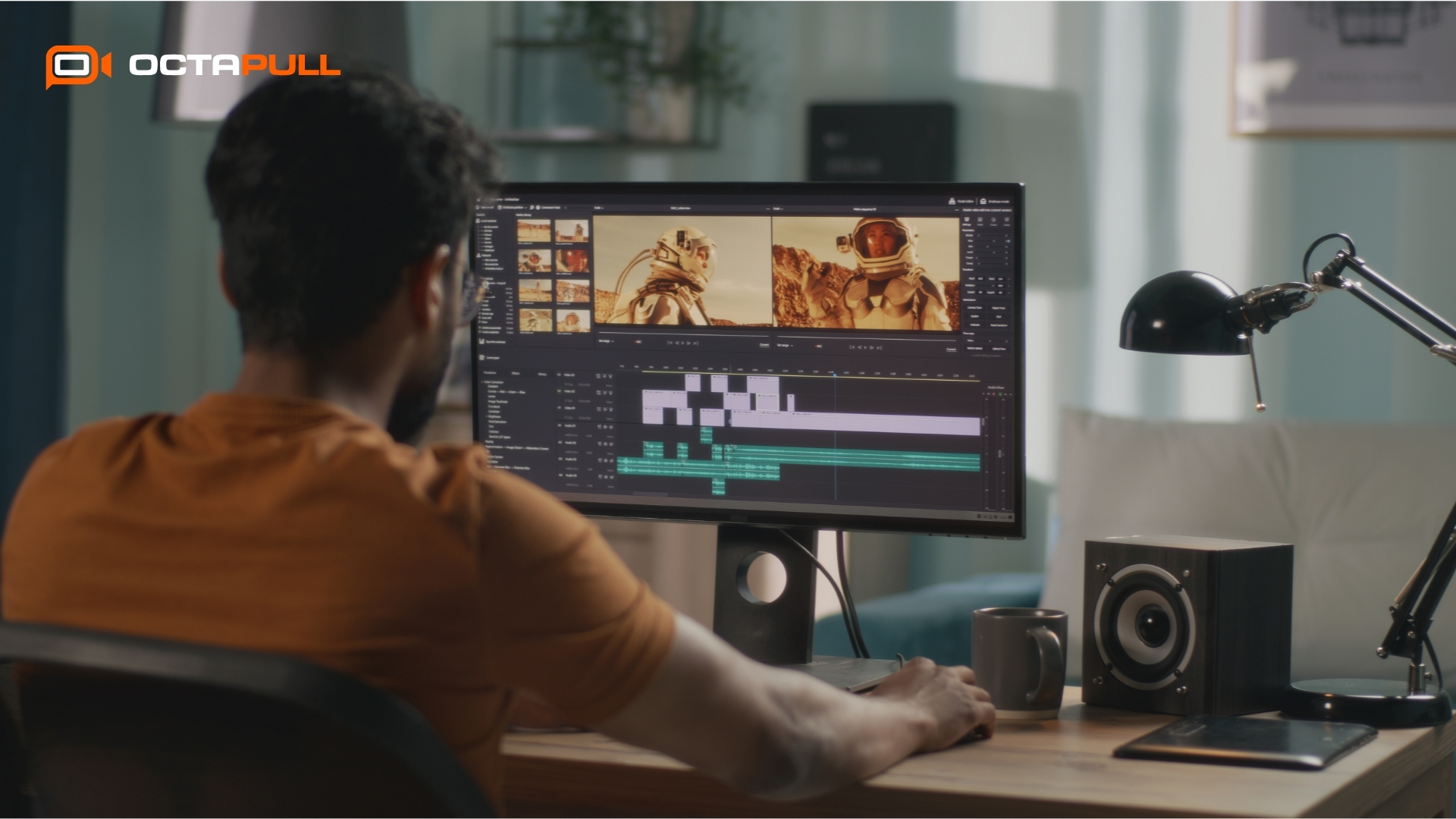
Descript is a unique AI video and podcast editing platform that allows you to edit videos and audio by simply editing the transcript.
Standout features include automatic transcription, screen recording, AI voice cloning, filler word removal, and multi-track editing, all in one intuitive interface.
Who It Is Suitable For: Ideal for YouTubers, podcasters, course creators, marketers, and professionals who work with talking-head videos, interviews, tutorials, or educational content. Beginners benefit from its simplicity, while pros appreciate the depth of features.
Free Plan Includes:
- 1 hour of transcription per month
- Access to screen recording and basic editing
- Limited access to AI voice and filler word removal
- Watermarked video exports
- Limited project storage
Pros:
- Revolutionary “edit video like a doc” workflow
- Powerful for repurposing long-form content into short-form clips
- Excellent transcription accuracy
- Saves time on editing with auto-filler deletion and overdub feature
Cons:
- Limited transcription time in free plan
- Watermarks and feature restrictions unless upgraded
- Not suitable for animation or visual effects-heavy content
Paid Plan Overview:
- More transcription hours and no watermarks
- Access to premium features like AI voice cloning (Overdub), audiograms, and publishing tools
- Higher-tier plans offer team collaboration and unlimited transcription
Starts at $12/month (billed annually) for the Creator plan.
5. InVideo AI
InVideo AI is a user-friendly video creation platform powered by AI, designed to generate engaging videos from simple text prompts in minutes.
Its standout features include auto-script generation, stock media library access, customizable templates, and fast social media-friendly exports. It is a go-to tool for content creators.
Who It Is Suitable For: InVideo AI is one of the best free AI video generators for short-form content. Ideal for social media marketers, TikTok and YouTube Shorts creators, small business owners, and beginners who want to produce polished short-form videos quickly without needing technical skills.
Free Plan Includes:
- Limited number of AI-generated videos per month
- Access to basic templates and stock assets
- Standard resolution (720p) exports
- Watermarked videos
- AI script and voice generation with usage caps
Pros:
- Very beginner-friendly with step-by-step prompts
- Excellent for creating social-ready content in minutes
- Supports vertical video format natively
- Includes AI scriptwriting and voiceovers
Cons:
- Watermark present in free plan
- Some features and stock assets locked behind paid plans
- Best for short-form, not ideal for complex or long-form editing
Paid Plan Overview:
- Removes watermark and increases export limits
- Access to premium templates, stock media, and voice options
- HD and 4K export options
- Higher-tier plans offer collaboration and brand kit features
Starts at $20/month (billed annually).
Conclusion
We have covered some of the best AI video tools 2025 and they are more powerful and accessible than ever. Whether you need quick social media clips, polished explainer videos, or creative storytelling content, there’s a platform designed for you.
- Sora is perfect for stunning results from simple prompts.
- Runway offers advanced generative video tools for creators who want more control.
- Vyond shines with animated explainers.
- Descript is great for editing by transcript.
- InVideo AI is ideal for fast, social-ready videos.
If you’re just getting started, take advantage of the free plans to explore and compare features. Each tool brings something unique to the table, and trying them hands-on is the best way to find your perfect match.
Ready to upgrade your content? Try these top 5 AI video tools in 2025 and take your social media marketing to the next level.