7 Powerful Tips for Productive Online Meetings
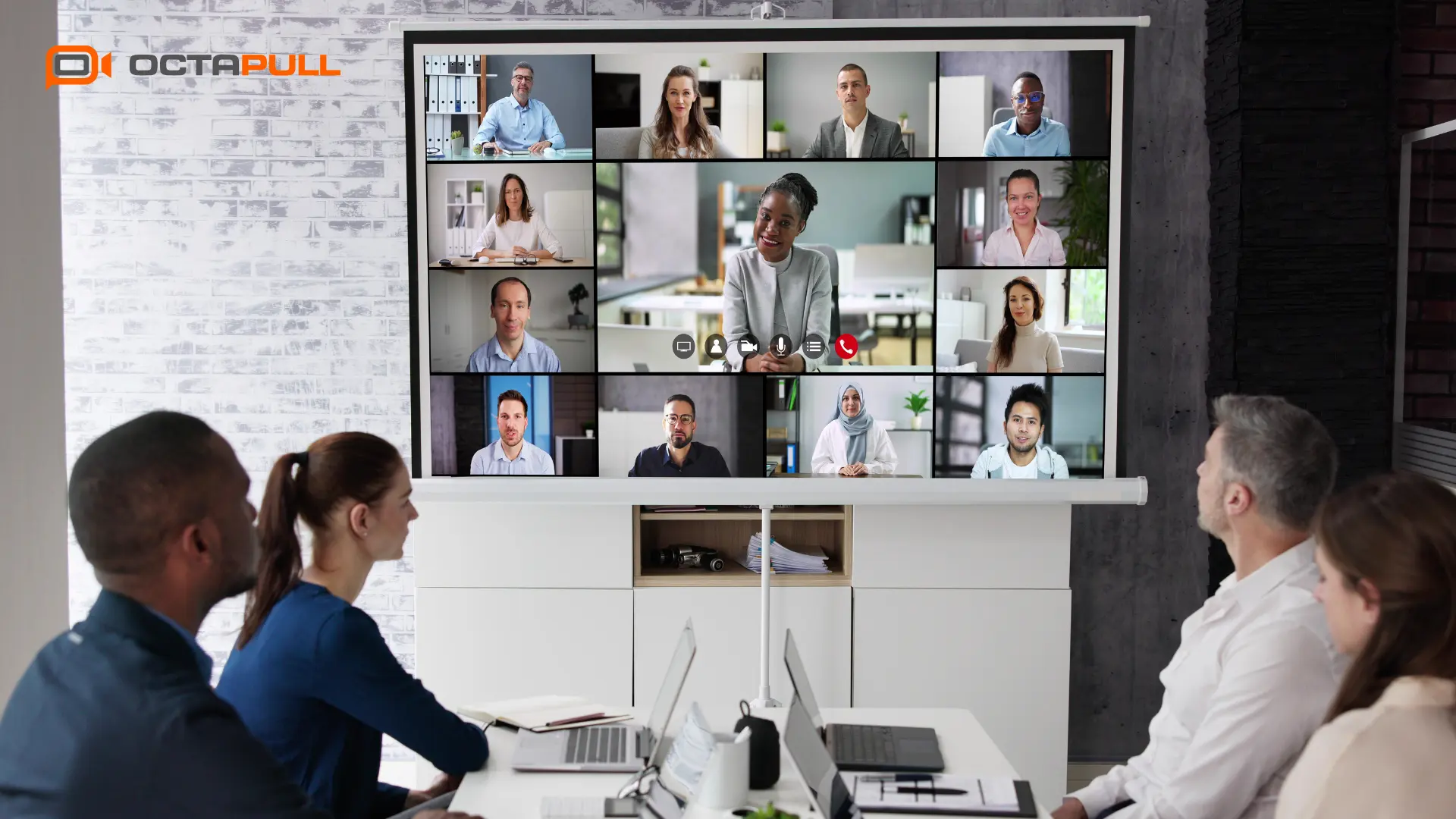
An efficient online meeting can be defined as one that has a clear agenda, is completed within a set timeframe, receives active contributions from participants, and concludes with concrete action items. As remote and hybrid work models have become widespread, meetings have moved to the center of business processes, but this shift has also brought with it a serious productivity problem.
Today, many teams spend a significant portion of their day in meetings, yet a large share of those meetings fail to produce a clear outcome. Improving online meeting productivity does more than save time; it can help raise the quality of decisions, maintain team motivation, and strengthen organizational coordination.
How Does Meeting Inefficiency Affect Business Processes?
Unplanned or lengthy meetings can negatively impact business processes in multiple ways. First, participants' focus time shrinks, time that should be dedicated to deep work gets consumed by unprepared meetings. Decision-making slows down because agenda ambiguity means constantly jumping between topics. On top of that, untracked action items create accountability gaps, and those gaps tend to compound into recurring inefficiencies over time.
Research suggests that managers spend roughly forty percent of their working time in meetings. When you consider that a significant portion of that time is occupied by unplanned, unnecessary, or poorly attended meetings, the impact of meeting efficiency on business outcomes becomes much clearer.
Why Has Meeting Quality Become Critical for Remote and Hybrid Teams?
In a physical office, information flow and coordination can happen outside of meetings. A quick hallway conversation or a spontaneous whiteboard session can align team members effectively. In remote and hybrid work models, these informal communication channels largely disappear. This places much more weight on meetings for team coordination, and makes the quality of each meeting more critical than ever.
Maintaining meeting quality in hybrid teams requires building a structure where both remote and in-office participants can contribute equally, decisions are clearly recorded, and follow-up mechanisms actually work.
For teams looking to make their meeting processes more organized, trackable, and sustainable, Octapull can help manage corporate communication and meeting flow in a more controlled way. Solution layers like OctaMeet aim to reduce coordination overhead by bringing meeting infrastructure and communication processes together in a single hub.
Preparing for an Efficient Meeting
Pre-meeting preparation matters just as much as the meeting itself. Many experts point out that good preparation can cut meeting time in half and noticeably improve decision quality. Coming to a meeting prepared helps participants stay focused, prevents unnecessary tangents, and makes better use of everyone's time.
How to Build a Meeting Agenda
An effective meeting agenda should clearly lay out the purpose of the meeting and the expected outcomes. A good agenda should include: time allocated to each item, which decisions need to be made, who will speak on which topic, and any materials participants should read beforehand.
Sharing the agenda at least 24 hours in advance gives participants time to prepare and creates an opportunity to question whether the meeting is actually necessary. When building an agenda, it helps to ask: "Does this item need to be discussed in a meeting, or could it be resolved with a message?"
Participant Selection and Role Assignment
One often-overlooked dimension of efficient online meetings is choosing the right participants. The difference between who needs to be in the meeting and who simply needs to be informed directly affects meeting quality. As a general rule, invite those who will actively make decisions or contribute and keep those who only need to be updated in the loop via meeting notes instead.
Role assignment is just as important as participant selection. Designating a moderator, a note-taker, and when needed a timekeeper for each meeting can help keep things running smoothly.
Why Does Technical Setup Matter?
Technical issues during a video conference don't just waste time, they break participants' concentration and disrupt the meeting atmosphere. Checking connection speed, microphone and camera quality, and screen sharing settings before the meeting can help everything start without a hitch.
At an organizational level, this preparation should include building a standard technical checklist that all team members are familiar with.
Staying Focused and Managing the Meeting in Progress
Once the meeting begins, the job is to turn the prepared agenda into reality. Time management, interaction quality, and communication clarity are the key factors here.
Time Management Techniques
One of the most common approaches to managing meeting time is assigning fixed durations to each agenda item and sticking to them. Known as timeboxing, this technique prevents discussions from running indefinitely and makes it easier to cover all items on the agenda.
Another approach is setting meetings at 45 or 50 minutes instead of the default 60. This leaves transition time between meetings and can help maintain focus. When time is almost up, a moderator prompt "We have 5 minutes left, let's move to the decision" reinforces time discipline.
Methods for Increasing Engagement
Passive participation is a more visible problem in online meetings than in face-to-face ones. When participants turn off their cameras or settle into listening mode only, the meeting risks becoming a one-way flow of information.
To increase engagement, tools like polls, Q&A sections, breakout room discussions, and direct questions to specific participants can all be effective. Structured prompts like "Everyone think about this question, share your thoughts in 1 minute" can draw out quieter participants.
Clear Communication Strategies
Online communication can carry more ambiguity than in-person interaction. Reduced body language, the tendency for people to speak over each other, and audio quality issues can all set the stage for misunderstanding.
For clearer communication: express proposals concretely and measurably, explicitly mark decision moments ("Have we decided on this?"), and periodically summarize as the meeting progresses.
Using Digital Tools Smartly
The features that video conferencing tools offer create powerful opportunities to improve meeting productivity but leaving those features unexplored means leaving most of that potential on the table.
Meeting-Only Platform vs. Collaboration-Enabled Tool
| Criterion | Meeting-Only Platform | Collaboration-Enabled Tool |
|---|---|---|
| Screen sharing | Basic | Advanced with annotation and pointer tools |
| Note-taking | External, manual | Integrated or linked note environment |
| Action tracking | None | In-meeting or integrated task assignment |
| Recording | Limited | Automatic recording and transcript |
| Team coordination | Meeting moment only | Supports before and after the meeting too |
Collaboration-enabled meeting tools can take meetings out of isolation and make them part of the broader workflow. This approach can make a meaningful difference, especially for remote team management, when it comes to decision documentation and accountability.
How to Get the Most from Collaboration Features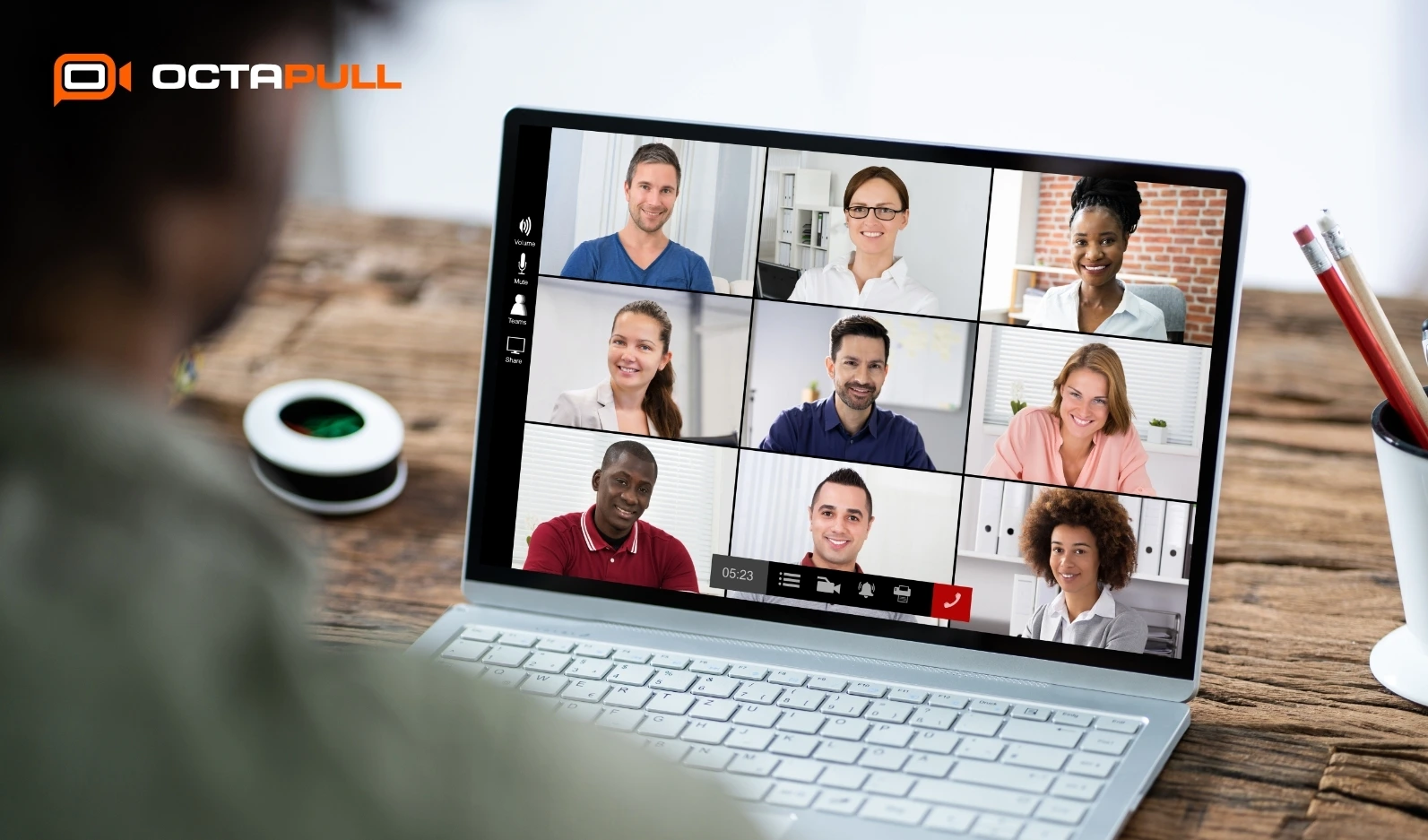
Features like co-editing documents, shared whiteboards, and live polls can create a participation experience that goes well beyond screen sharing. Working on a document together during the meeting makes contributions visible and means a natural output already exists by the time the meeting ends.
Screen Sharing Tips
A few key points to keep in mind when sharing your screen: close unnecessary tabs and turn off notifications before sharing, prepare the windows you plan to show in advance, and frame the content by telling participants what to look at. These small steps can meaningfully improve presentation quality.
Recording and Note-Taking Practices
Meeting recordings and notes play a critical role in preserving knowledge after the meeting. Well-kept meeting notes help participants find the information they need quickly, keep remote workers connected, and contribute to building organizational memory.
For effective note-taking: keep decisions and action items in a dedicated section, share notes immediately after the meeting ends, and store recordings in a central, accessible location.
Post-Meeting Follow-Up and Review
A meeting's productivity isn't measured when the call ends, it's measured by whether the decisions made actually get implemented. The post-meeting follow-up process is one of the most decisive phases, and one that many teams overlook.
Action Items and Accountability
Every action item should have a clear owner and a completion date. Vague phrases like "let's take care of this" or "we'll handle it together" lead to tasks that drift and get forgotten. Clear assignments like "Ali will have this report ready by Friday" improve accountability considerably.
Building Feedback Mechanisms
Setting up regular feedback mechanisms can help meetings improve continuously. Short surveys, end-of-meeting questions ("Did this meeting achieve its purpose?"), or periodic retrospectives can provide valuable data for refining how meetings are run.
Documenting Meeting Decisions
Documenting meeting decisions is a critical practice for preserving organizational knowledge. In remote team management especially, ensuring that team members who couldn't attend can access the information helps sustain overall coordination and alignment. A centralized decision documentation system can also prevent the same questions from being brought back to meetings again and again.
Common Problems and Solutions
Resolving Technical Issues
Technical problems are among the most common reasons online meetings get interrupted. To minimize them: apply a pre-meeting technical checklist, keep a backup connection option ready (like mobile data), and join the platform a few minutes before the meeting starts.
At the organizational level, having a defined protocol for what to do when technical issues arise removes the panic and keeps things moving.
Reducing Meeting Fatigue
Meeting fatigue is an increasingly recognized concept that has come with the rise of remote work. Constant video conferencing can reduce focus time and negatively affect overall work performance. To address it: cut meeting frequency and duration, leave at least 10 minutes between meetings, occasionally allow camera-off participation, and replace some meetings with asynchronous content (recorded videos, written updates).
Dealing with Distractions
Distractions are a significant factor in reduced meeting productivity in remote work environments. Muting the microphone when not speaking, keeping the camera on, creating a dedicated meeting space, and silencing phone notifications can all help maintain focus.
Summary: 7 Effective Tips for Meeting Productivity
- Tip 1: Set a Clear Agenda: Every meeting should start with an explicit agenda that includes the purpose, the items to be covered, and the time allocated to each. Agenda ambiguity diffuses focus and invites wasted time.
- Tip 2: Keep It Short: Limiting meetings to 45 minutes instead of the default 60 helps counteract Parkinson's Law, the tendency of work to expand to fill the time available. Shorter meetings are usually more focused ones.
- Tip 3: Encourage Engagement: Use structured methods that promote active contribution over passive listening. Polls, direct questions, and brief group exercises can increase the sense of involvement.
- Tip 4: Be Technically Prepared: Know your platform's features and check the technical setup before the meeting. Using screen sharing, collaborative editing, and recording purposefully can enrich meeting output.
- Tip 5: Clarify Actions :Every meeting should end with a list of action items, each with a clear owner and deadline. Replace "let's do this" with "Ahmet will complete this task by May 15."
- Tip 6: Collect Feedback: Evaluate your meetings regularly. Gathering feedback from participants on the meeting process makes it visible which habits are working and which processes need improvement.
- Tip 7: Avoid Unnecessary Meetings: Recognizing that not every topic requires a meeting is a critical step toward productivity. Simple updates, brief announcements, or questions directed at a single person can almost always be resolved faster through written communication.
Unplanned Meeting vs. Agenda-Driven Meeting
| Criterion | Unplanned Meeting | Agenda-Driven Meeting |
|---|---|---|
| Time control | Overruns are common | Item-by-item time management |
| Decision quality | Variable; discussions may go unresolved | Higher; decisions reached within the meeting |
| Participant contribution | Low; unprepared attendees stay passive | High; participants come prepared |
| Focus level | Frequent topic shifts, risk of losing the thread | Focus maintained through defined items |
| Meeting output | Unclear, hard to follow up | Clear action items and decisions |
This comparison shows that building an agenda is not merely a formality, it can positively affect nearly every dimension of how a meeting goes.
Hybrid Meeting Models and the Future
The hybrid work model means running office and remote work in parallel. Managing meetings in this model requires systems that include both groups on equal footing.
Managing Meetings in a Hybrid Work Environment
Two core problems tend to surface in hybrid meetings: the invisibility of remote participants and the tendency for the in-office group to develop its own dynamic. To reduce these issues, having all participants open their individual cameras, using a shared digital workspace, and having the moderator actively draw participation from both groups are all strongly recommended.
What Trends Are Coming?
AI-powered meeting summary tools, automatic transcription services, and asynchronous video messaging platforms will continue to reshape meeting dynamics in the near future. Used thoughtfully, these tools can help reduce the number of meetings while maintaining coordination quality.
Comparing the Most Popular Online Meeting Tool
Choosing the right meeting tool depends on team size, security requirements, and integration needs. The comparison below covers general characteristics, but the final choice should reflect your organization's specific needs.
Zoom vs. Microsoft Teams: Which Is More Productive?
Zoom stands out for its ease of use and stable connection quality, making it a preferred choice especially for external meetings. Microsoft Teams, with its deep integration into the Microsoft 365 ecosystem, can be an advantageous option for teams looking to centralize internal communication and document management. Which is more productive depends on the team's workflow and the other tools it already uses.
Google Meet and Other Alternatives
Google Meet offers integration convenience for teams already using Google Workspace. Its browser-based approach and low bandwidth requirements make it practical for quick meetings. However, for more advanced meeting management, recording, and action tracking, more comprehensive solutions may be needed.
Which Tool Is Right for Which Purpose?
| Criterion | Zoom | Microsoft Teams | Google Meet | Local/Enterprise Solution |
|---|---|---|---|---|
| Ease of use | High | Medium–high | High | Varies by organization |
| Security & data sovereignty | Medium | High | Medium | High with local infrastructure |
| Integration | Broad | Microsoft 365-focused | Google Workspace-focused | Custom to organizational needs |
| Productivity features | Medium–high | High | Medium | Depends on implementation |
| Enterprise fit | General purpose | Enterprise-grade | General purpose | In-house control |
Improve Meeting Productivity with OctaMeet
Teams juggling multiple communication tools can lose time switching between platforms and end up with fragmented information. When meeting notes live in one place, action tracking happens somewhere else, and team communication runs on yet another platform, coordination suffers.
OctaMeet offers an ecosystem that can help manage corporate communication and meeting flow from a single center. Video conferencing and real-time team communication can be brought together on the same platform supporting a more integrated approach to everything that happens before, during, and after a meeting.
Discover efficient meeting processes with OctaMeet
Frequently Asked Questions (FAQ)
1. How do you prepare an online meeting agenda?
Define the purpose of the meeting in a single sentence, then list the items that serve that purpose. Assign a time to each item and send it to participants at least 24 hours before the meeting.
2. How long should an online meeting be?
45–60 minutes is generally considered an effective and sufficient duration for most meetings. For longer sessions, adding short breaks is recommended.
3. What should you watch out for in hybrid meetings?
Ensure that remote and in-office participants have an equal experience. Share all decisions digitally in real time, and have the moderator actively draw participation from both groups.
4. How do you increase participation during a meeting?
Use structured engagement methods: polls, direct questions, short group exercises, and expectation-setting at the start of the meeting can all help increase participation.
5. What should you keep in mind when sharing your screen?
Close unnecessary tabs, disable notifications before sharing, and tell participants what to focus on. Where possible, share only the relevant window or application to keep things clear.